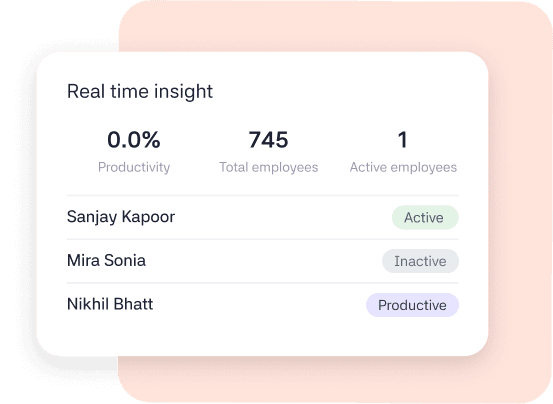
See what your team is working on in real time. Clarity shows who's active, idle, or offline, giving managers instant visibility into work without constant check-ins or micromanagement.
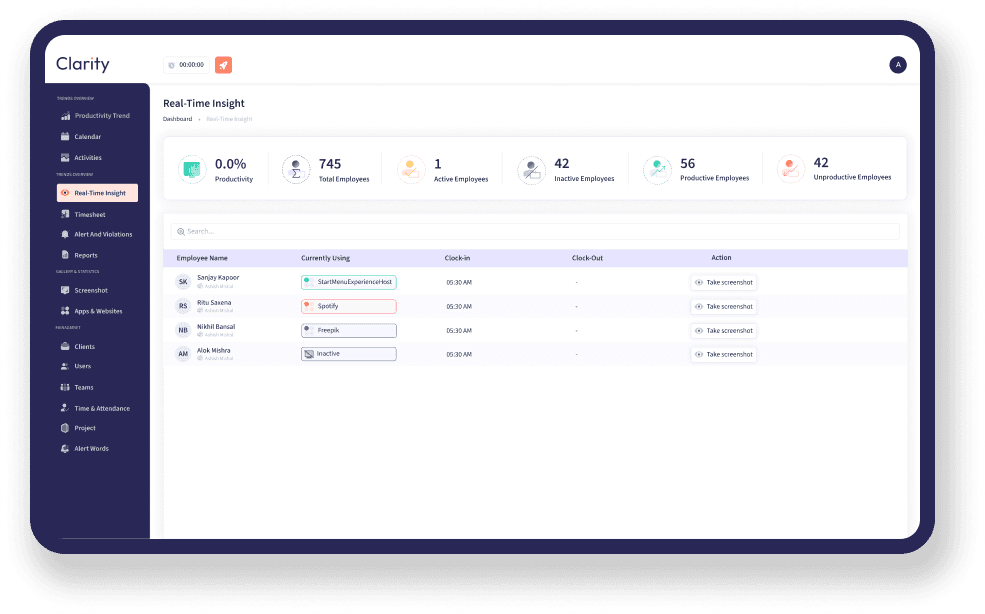
A closer look at Clarity's real-time activity monitoring, helping managers understand employee activity, work progress, and team availability throughout the day.
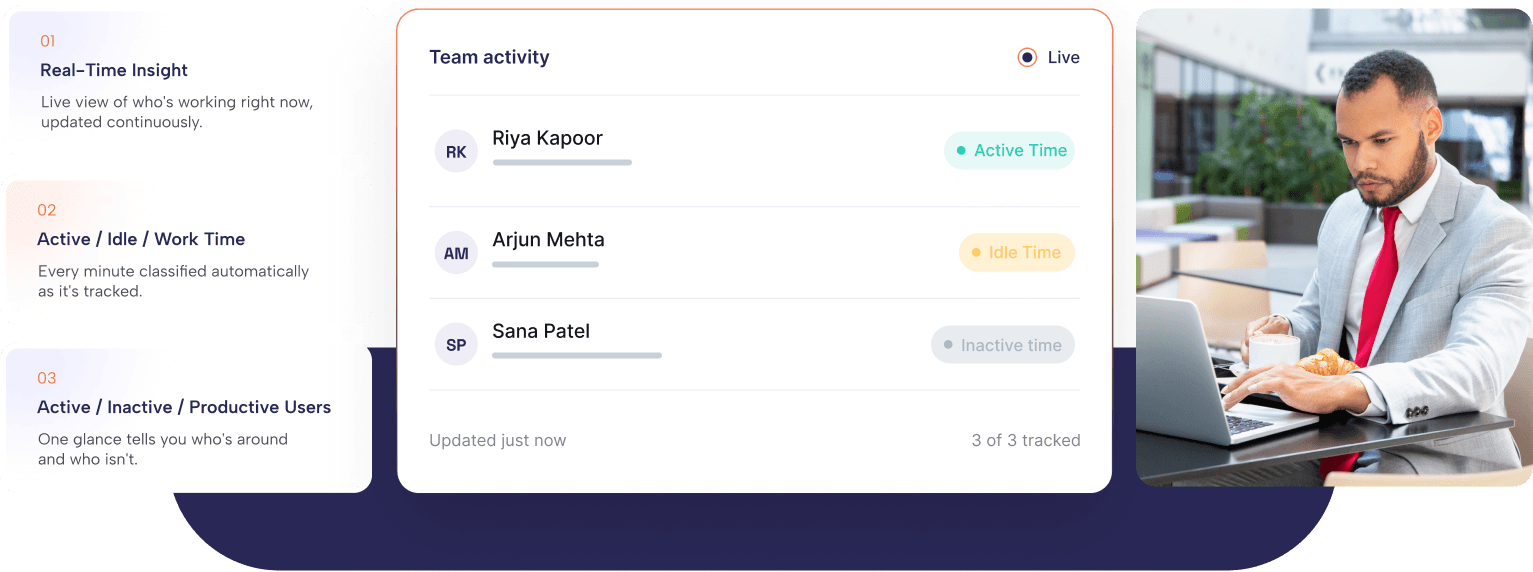
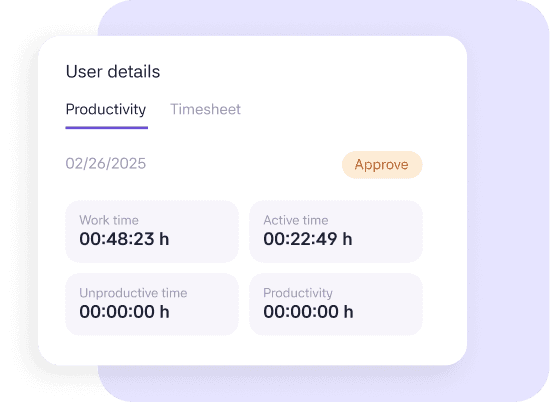
Track active, idle, and manual time using real activity signals — and know exactly who's working right now, without micromanaging or logging keystrokes.
Clarity automatically tracks active, idle, and manual time to give you an accurate picture of employee activity throughout the workday—without extra effort from your team.
The live dashboard updates every employee's status in real time, making it easy to see who's active, idle, or offline without interrupting their workflow.
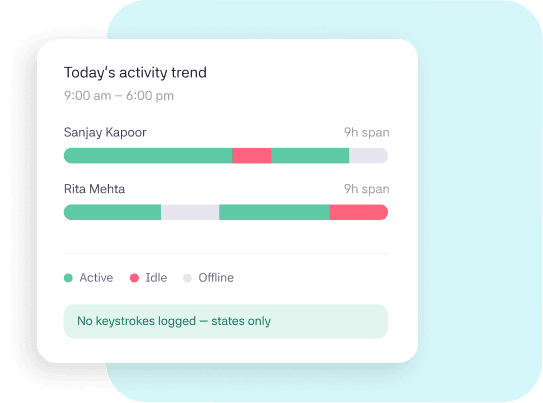
Real-time monitoring in Clarity is designed to answer operational questions — is the team online, is work flowing, is something stuck — not to watch individuals keystroke by keystroke. Activity levels are shown as trends and states, giving managers the context they need without turning every workday into a performance review.
Your team installs the lightweight desktop app, and activity tracking begins automatically the next time they sign in. No complex setup or training required.
Active, idle, and offline states refresh continuously on the dashboard, with no manual check-ins or pop-ups required.
Use real-time activity trends to understand availability, balance workloads, and schedule conversations without interrupting focused work.
Switch to Clarity and discover how live employee activity tracking and workforce visibility help teams stay productive and connected.
The same data, useful in a different way depending on who's looking at it.

See who's active, idle, or offline in real time so you can manage workloads, answer questions faster, and reduce unnecessary check-ins.

Keep remote teams connected with live activity updates instead of constant check-ins.

Track attendance, availability, and workforce activity from one dashboard to support smarter planning and resource management.
I used to message people just to see if they were around. Now I just glance at the dashboard — it's saved me an hour a day, easily.
Business Owner
Operations Manager, 40-person agency
CLARITY is a time tracking platform that turns work hours into insights with productivity monitoring and automated payments.
Ready to get started?
Use your work email to sign up and see how it works for your team.

© 2026 All right reserved